Crusader / Troubleshooting
Crusader troubleshooting
Find your error message below. The list on the right jumps to it. These cover the Crusader products.
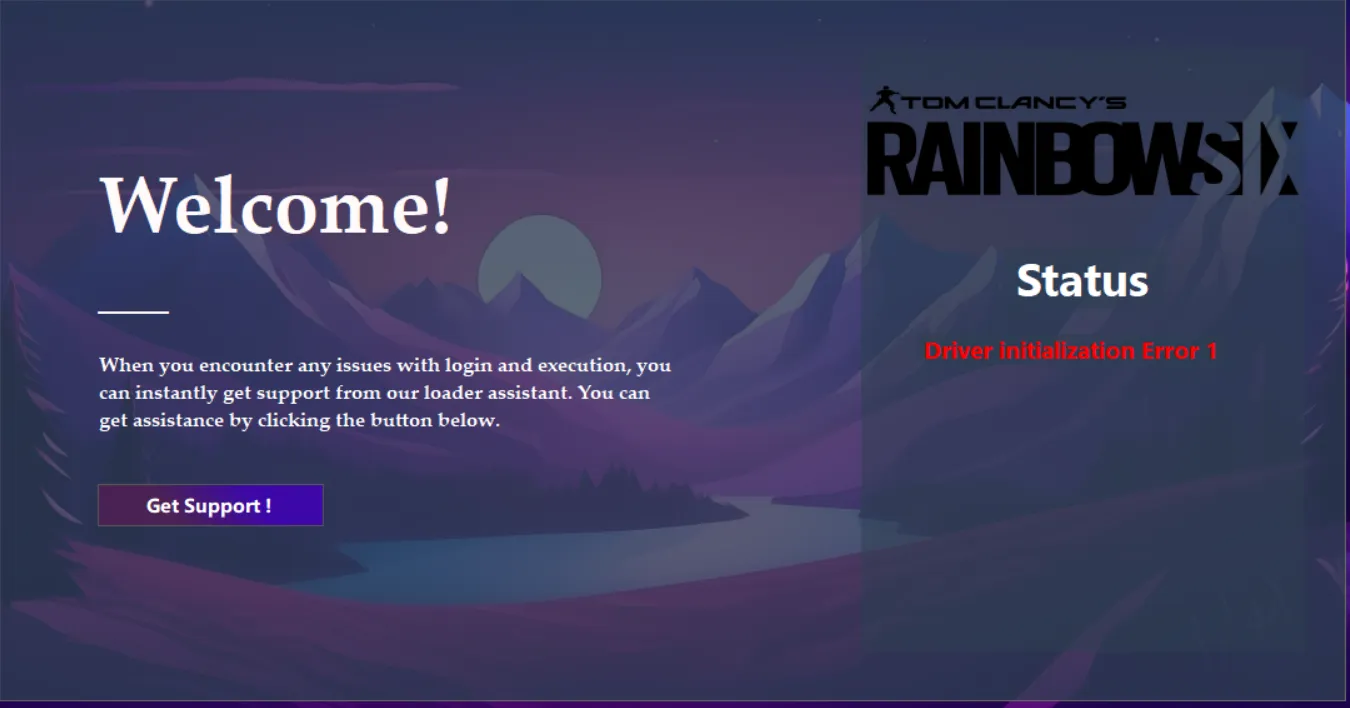
Driver Initialization Error 1
Usually caused by one or more of these:
- Exploit Protection is turned on
- Windows Defender or Kernel Isolation is enabled
- Anti-cheat software like FACEIT or Valorant is installed
- Control Flow Guard (CFG) is enabled
- Another antivirus is running
If turning those off does not help, press "Get Support", then option 1, then option 2.
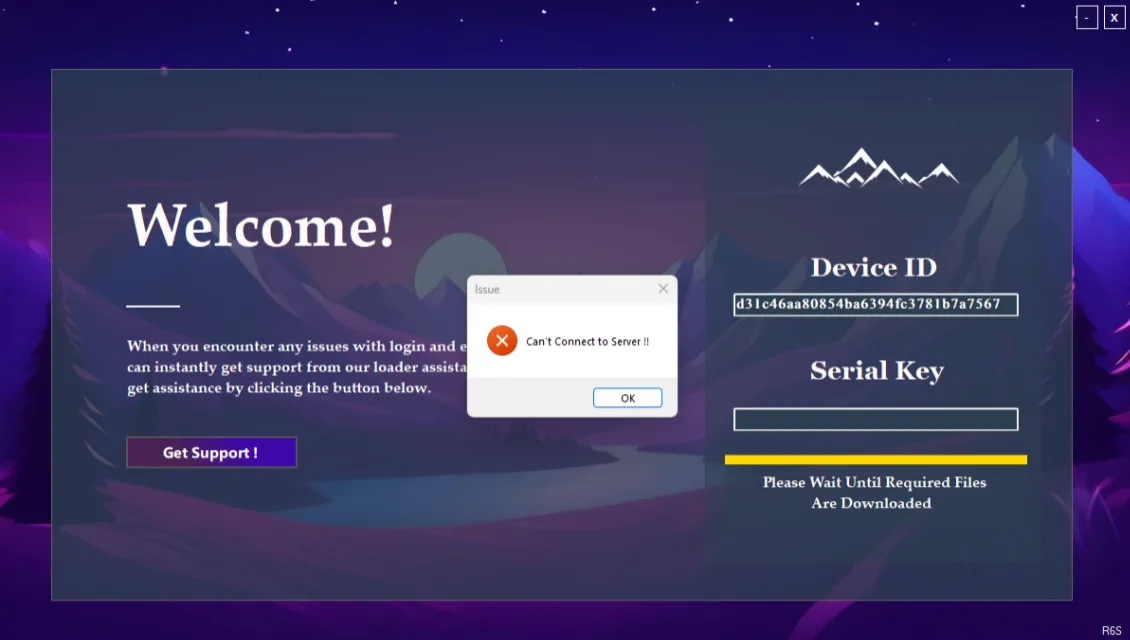
Can't Connect to Server
Use a VPN. Cloudflare Warp is recommended. You can turn the VPN off before opening the game.

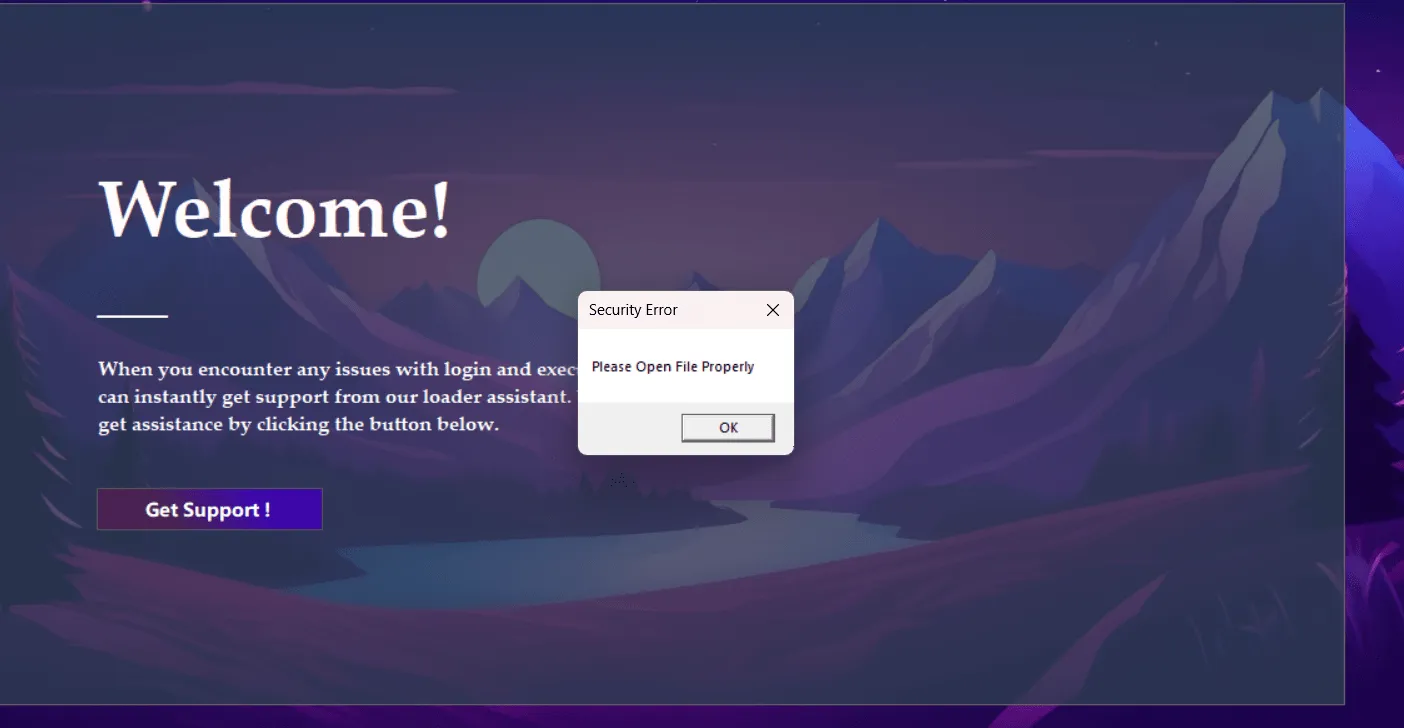
Please Open File Properly
Download the loader again and put it on your desktop in a new folder. Make sure it is not still zipped.
Last updated 26 Nov 2026Still stuck? Contact support